
20 April 2026 · · 5 min read
How to Check a Used Car's History in the UAE
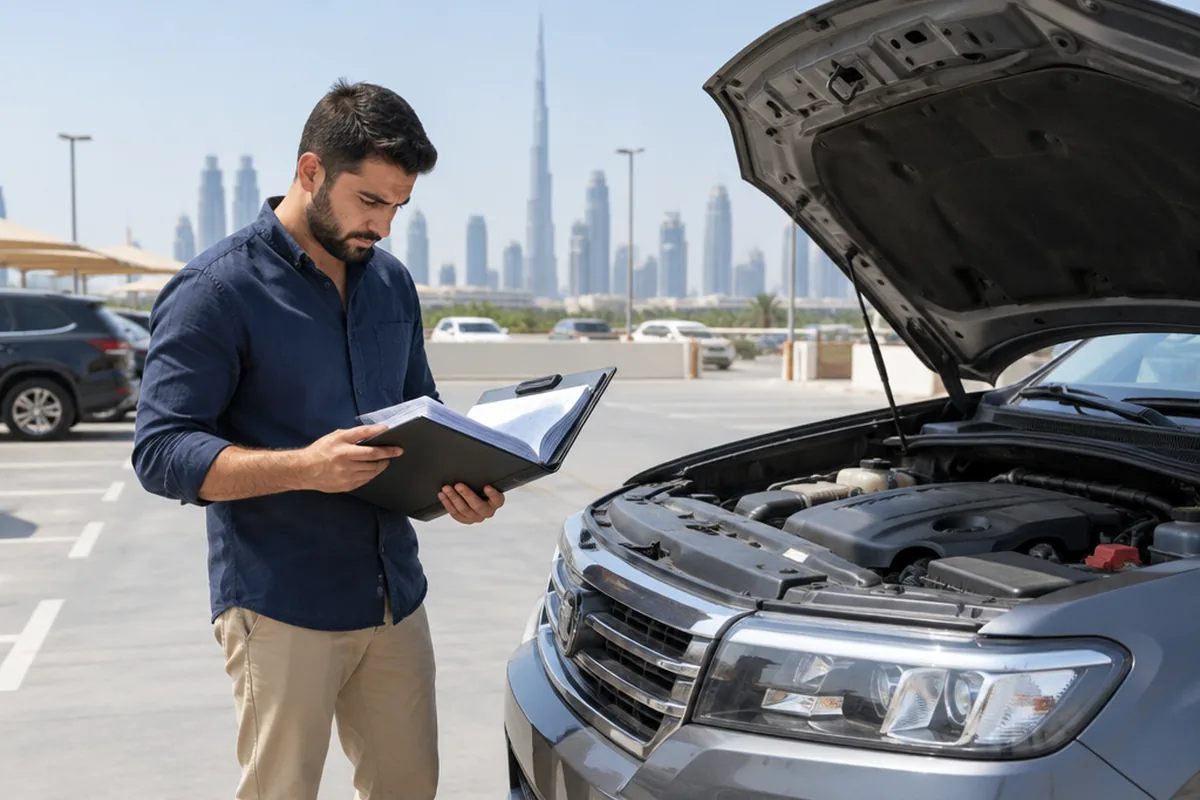
To check a used car's history in the UAE, look at the RTA vehicle history and accident record, check fines on the MOI or RTA apps, confirm there is no bank mortgage on the car, review the service history with the agency, and for imports run the VIN on international history services. Sellers who prepare this information upfront sell faster and for more.
What to check
- Accident history: RTA records and insurance claims
- Fines: RTA, Dubai Police and MOI apps
- Loans: whether a bank mortgage is registered on the car
- Service history: agency printout by chassis number
- Mileage consistency across service records and test reports
- Import history: VIN checks for US or other imported cars
Ask the seller for
The mulkiya, service book, repair invoices and the last RTA test report. A seller who has nothing to hide will share these readily.
Get an inspection
Paperwork tells you what was recorded. An independent inspection tells you what was not, such as unreported repairs.
For sellers
Prepare the same documents before you list or ask for a valuation. Buyers pay more for a car whose history is clear, and dealers can give a firm offer faster.
Get a valuation for my carQuick answers
To check a used car's history in the UAE, look at the RTA vehicle history and accident record, check fines on the MOI or RTA apps, confirm there is no bank mortgage on the car, review the service history with the agency, and for imports run the VIN on international history services. Sellers who prepare this information upfront sell faster and for more.
Selling your car?
Free valuation, an offer within the hour and paid the same visit. We handle the RTA transfer.